Getting started
Account registration and access
- Visit Siggy to create an account
- Click login by SSO, we recommend using your main character
Linking EvE accounts
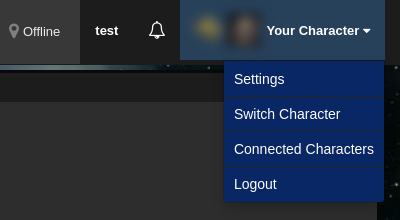
- Click your character name in the top right corner and select
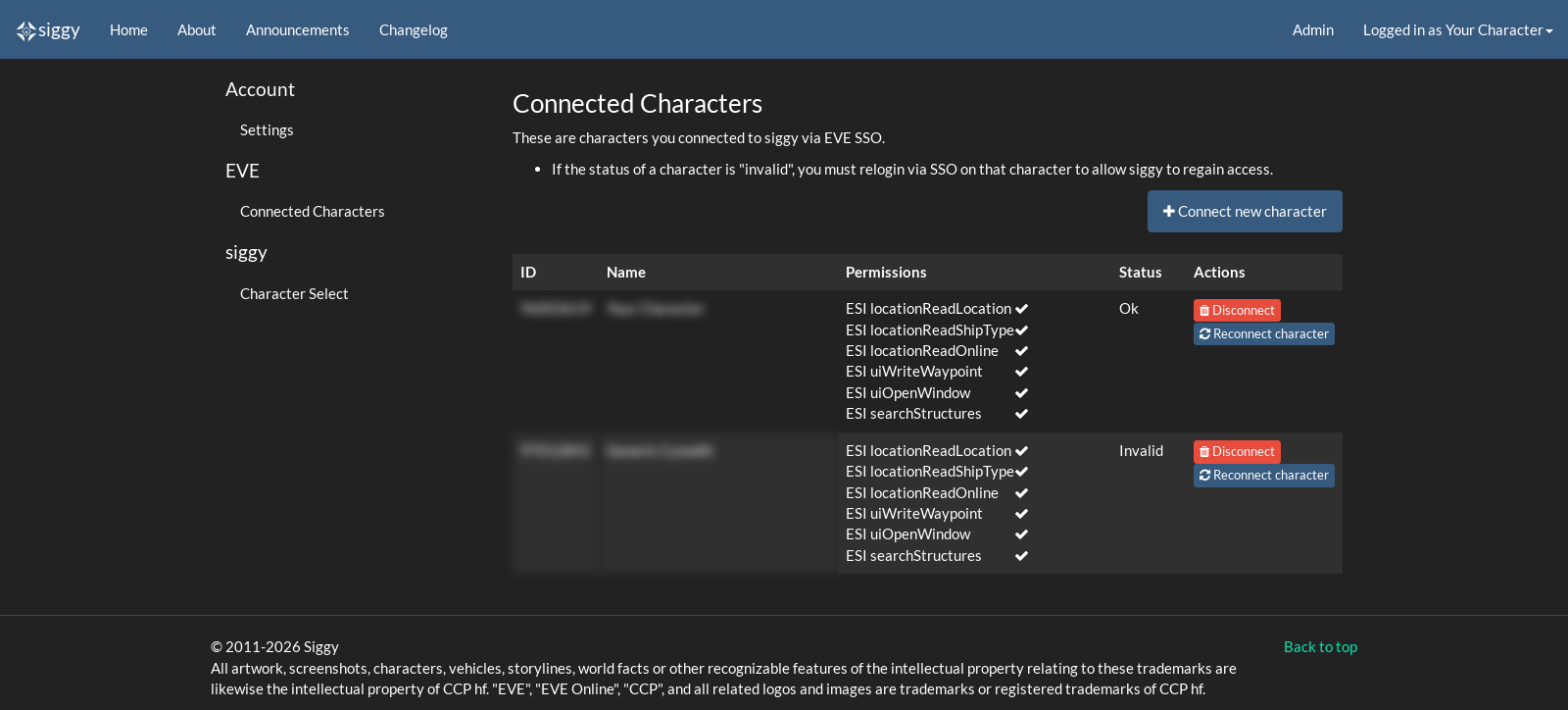
Connected Characters - Click
Connect new character - Login with your EvE account using SSO
Each connected character shows the ESI scopes it has granted. If a character shows as Invalid, connect it again to refresh its access.
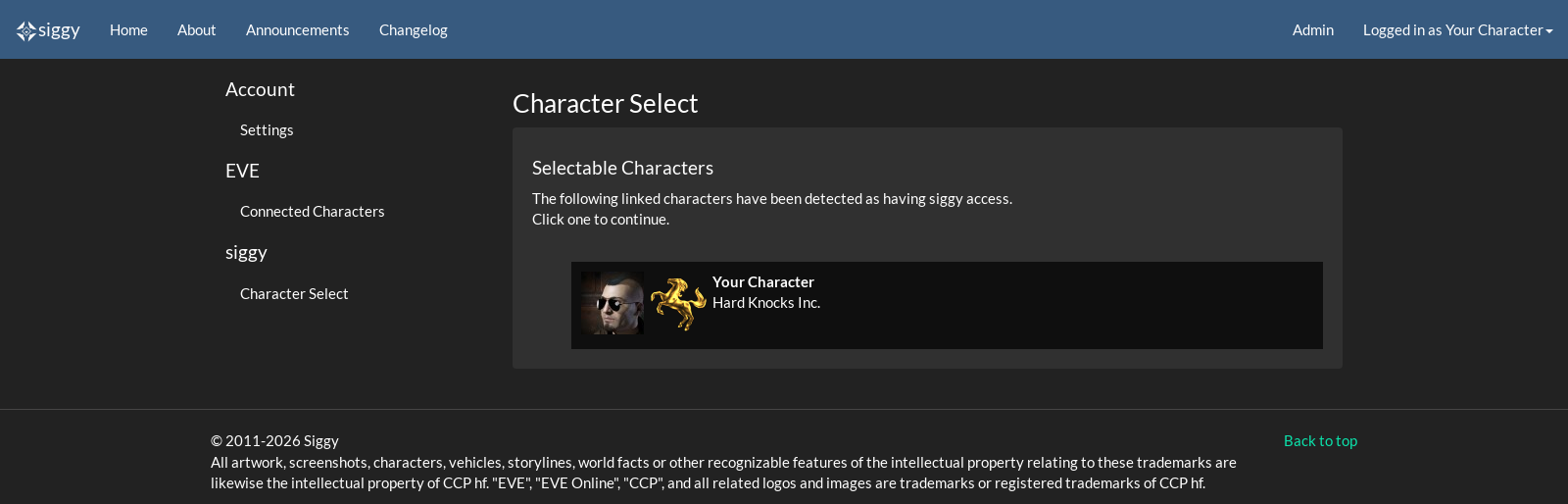
Selecting characters to access Siggy
- Click your character name in the top right corner and select
Switch Character, or go here - Select your main, it should be available once you're in HK. If not, please wait a few hours or contact IT.
The same menu in the top right corner takes you to your settings, lets you switch character, manage connected characters, or log out.
Accessing Siggy
- You may be required to enter a password to access a map, this should be provided in the corp bulletins or reach out to a recruiter or Ops team member.
Moving around Siggy
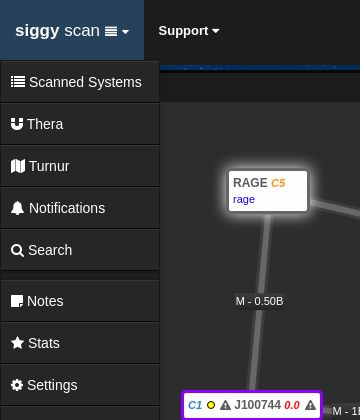
Siggy is split into pages, the map and system information is the scan page. Clicking siggy scan in the top left corner opens a menu to switch to the other pages such as Thera, Turnur, Notifications and Search. These are covered in Thera, Turnur, notifications and the other pages.
The Offline / Online button at the top shows whether Siggy is reading your in-game location. The bell next to it shows your latest notifications.