Themes
You can pick one of the built in themes from the Scan Settings, or make your own. Your own theme can change the colours, add images, and move the parts of the page around.
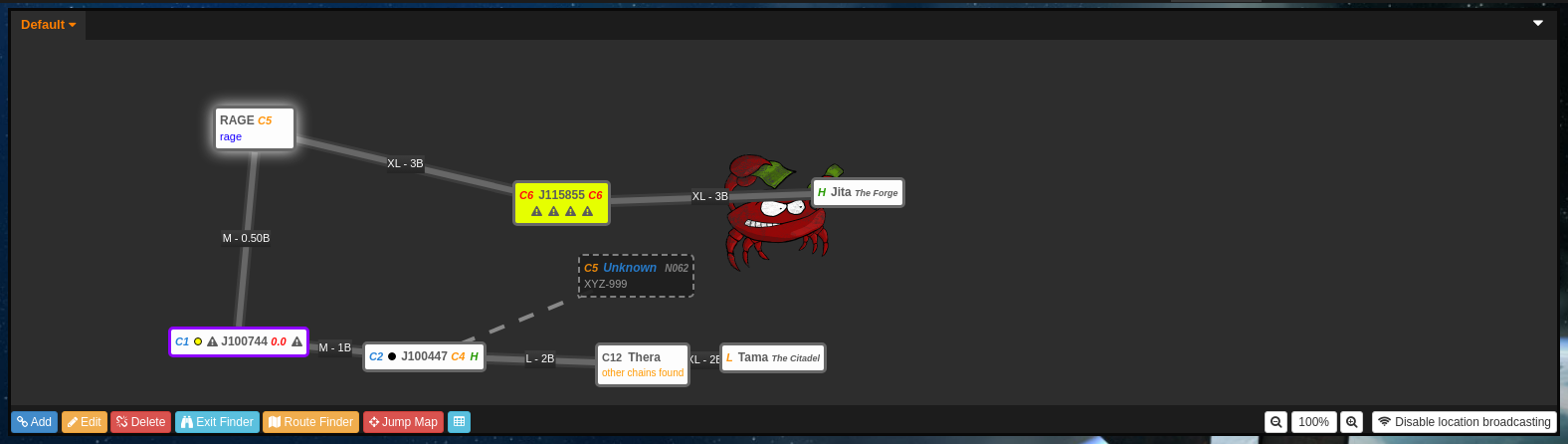
Editing your theme
- Click
siggy scanin the top left corner and selectSettings - Press
Edit My Theme
This opens the page in edit mode, with dashed borders around each panel and a bar along the bottom.
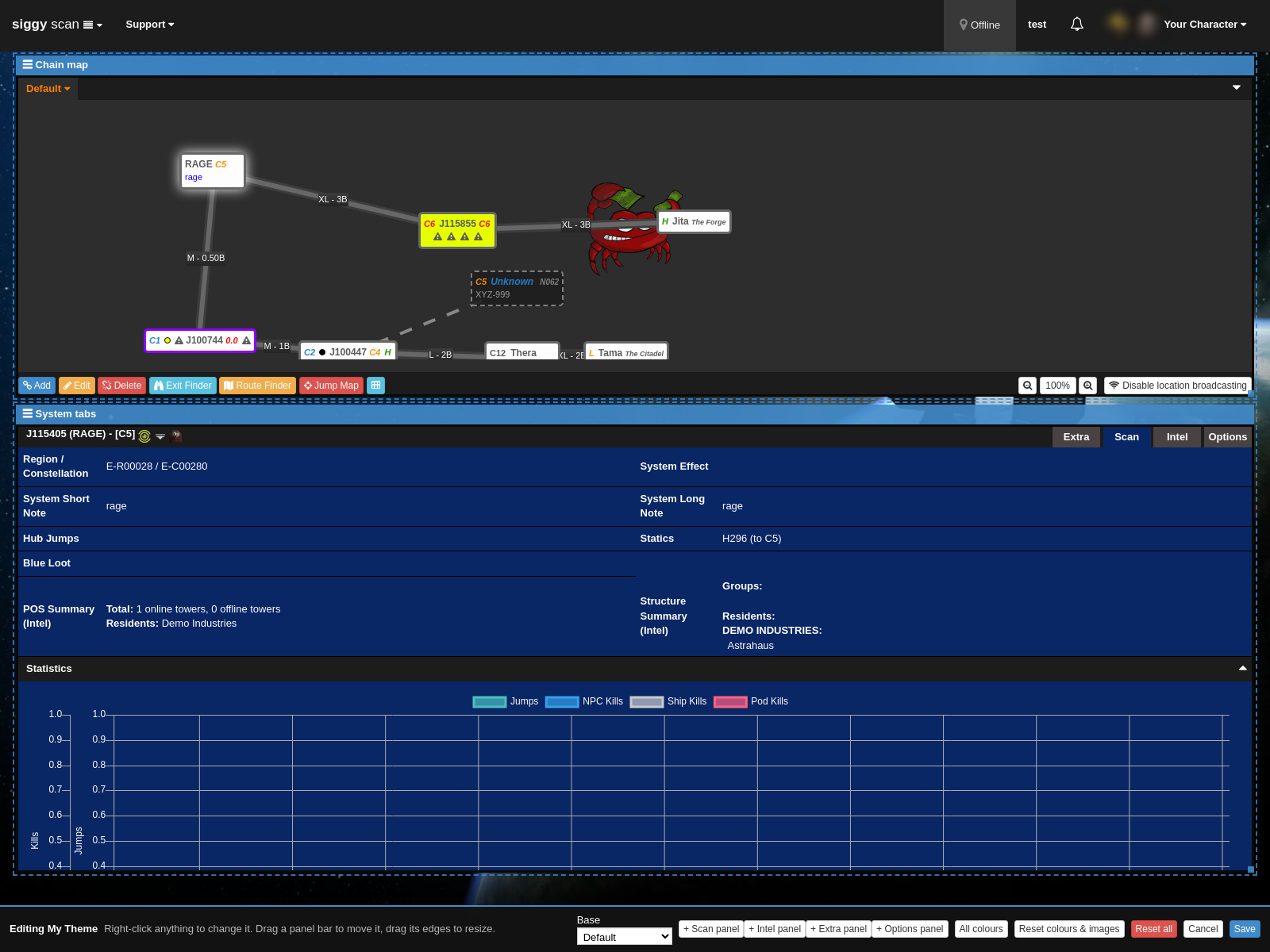
The edit bar

- Base: The built in theme your theme starts from, anything you haven't changed uses the base theme's colours.
-
- Scan panel, + Intel panel, + Extra panel, + Options panel: Pull that tab out of the system information into its own panel.
- All colours: Shows every colour in one list.
- Reset colours & images: Goes back to the base theme's colours and removes your images.
- Reset all: Resets the colours, images and layout.
- Cancel: Leaves edit mode without saving.
- Save: Saves your theme and switches you to it.
Changing colours and images
Right click anything on the page to see what you can change on it. The menu lists everything under where you clicked, from the smallest part out to the whole page, e.g. right clicking a system on the map shows the map system colours, then the chain map, then the panel, then the page.
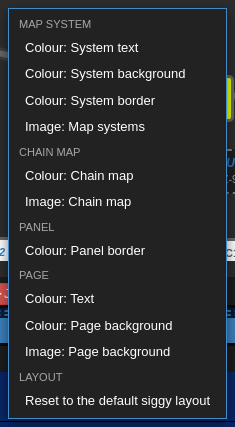
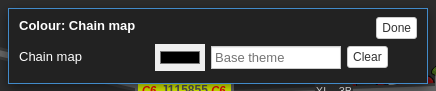
Colours
Pick a Colour: option, then choose the colour. Clear puts it back to the base theme's colour.
Images
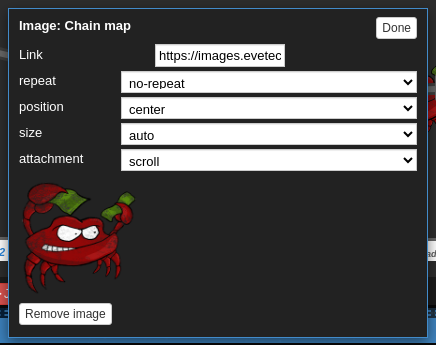
Pick an Image: option and paste a link to an image, it must be an https:// link. You can then set how it repeats, its position, size and whether it scrolls with the page. Remove image takes it off again.
The example below uses an alliance logo from the EvE image server as the chain map background.
Moving panels
Each panel has a bar along the top, drag the bar to move the panel and drag its edges to resize it. Using the + panel buttons or right clicking inside a tab and choosing Show ... as its own panel gives that tab its own panel, so you can see e.g. the scan and intel tabs at the same time.
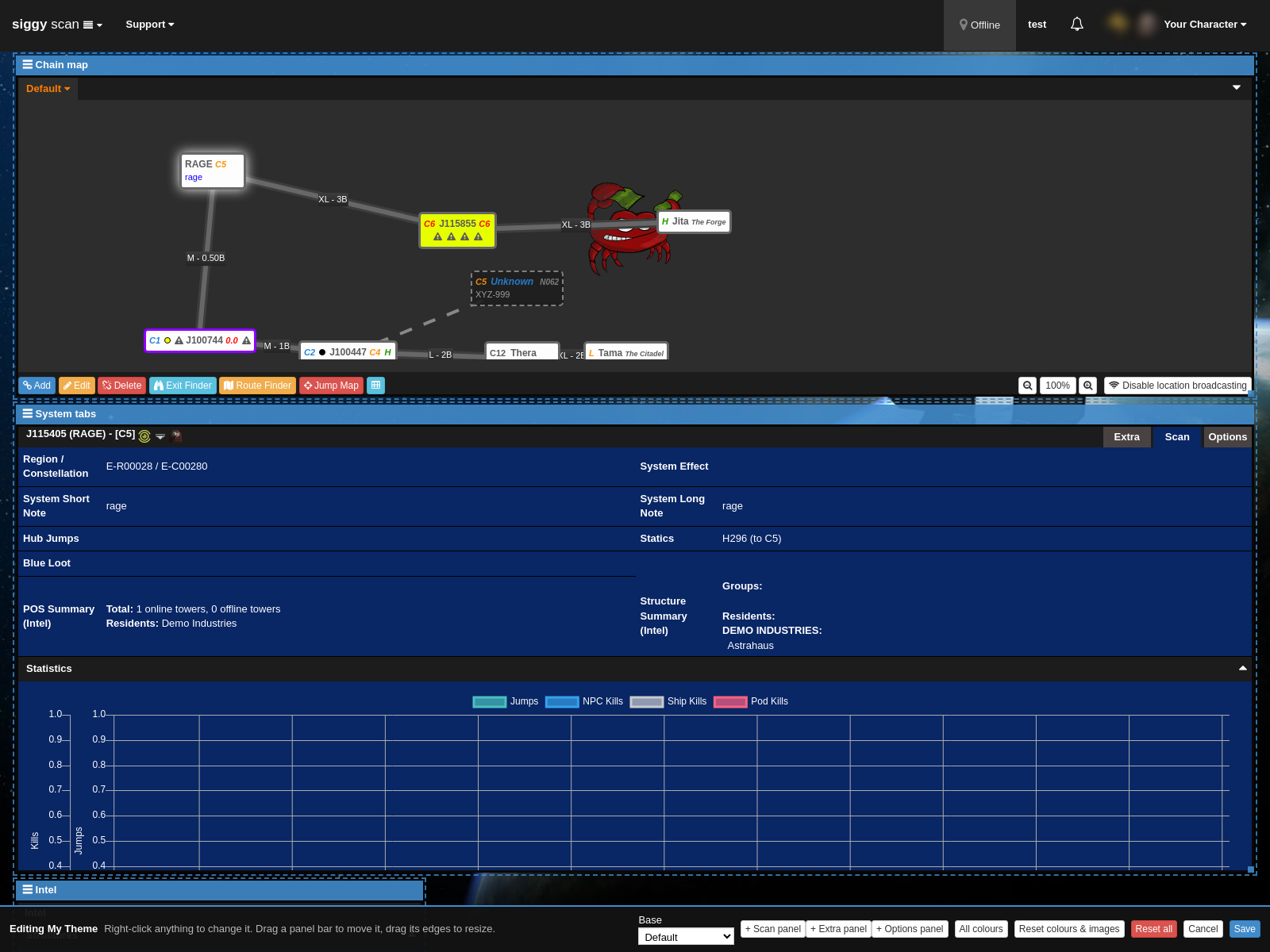
Right clicking a panel and choosing Put ... back into the System tabs puts it back. Under Layout in the right click menu you can also put all panels back, or reset to the default Siggy layout.
When you're happy press Save. You can change back to a built in theme at any time from the Scan Settings.