newUI jump map
newUI has the same jump map as the classic map, covered in full in The jump map. Your jump map settings are shared between the two.
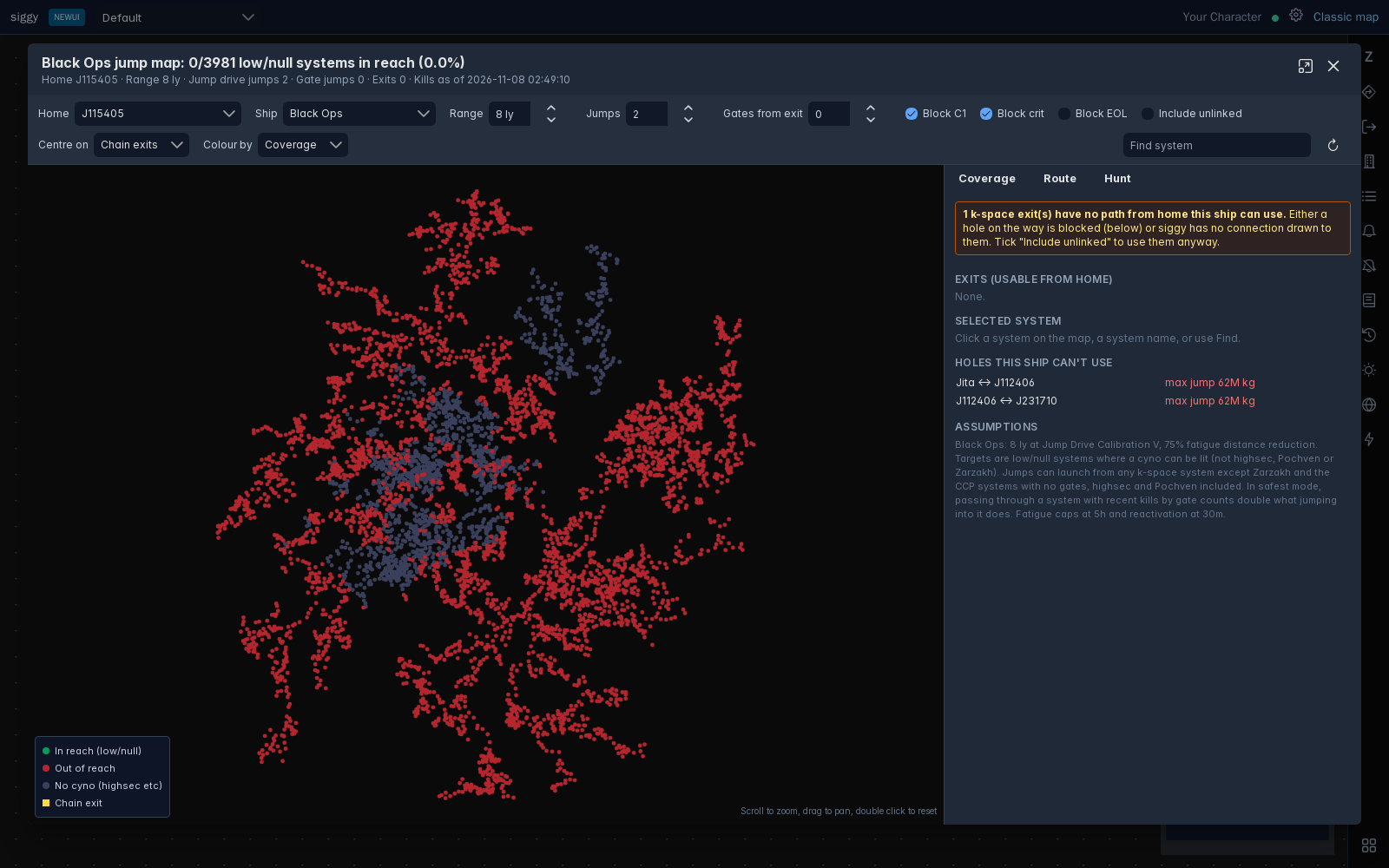
Open it with the lightning bolt in the right bar, or right click a system on the map and press Show jump map. For a wormhole system it opens on that system as home.
The settings run along the top, the map is on the left with a legend, and the Coverage, Route and Hunt tabs are on the right. The window can be maximised with the button in its title bar.
Right clicking a system on the jump map gives you:
- Plan route to, Set as origin, Add as a stop and Avoid: Fill in the Route tab with that system.
- Set destination and Add waypoint
- Copy name
- Dotlan